Silhouette Cameo 4 vs Cricut Maker 3
The question on every crafters' lips right now - Silhouette Cameo 4 vs Cricut Maker: which is the best cutting machine? These two big shots are the latest flagship cutters from industry powerhouses: Cricut and Silhouette America. We take a look at their pros & cons...
We may receive commissions on purchases made from our links. Learn more
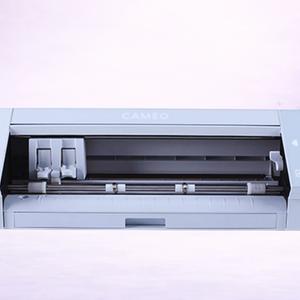
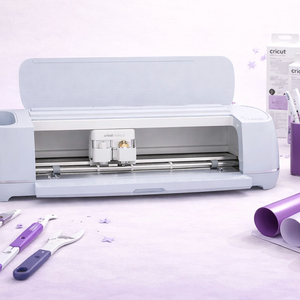
Spec-by-Spec Comparison
Pros & Cons
Silhouette Cameo 4
What We Love
- ✓5,000 gf cutting force in Carriage 2 - a 24× leap from the Cameo 3
- ✓First Silhouette with Rotary Blade for unbacked fabric
- ✓Built-in roll feeder and cross-cutter for matless cutting up to 10 feet
- ✓No-subscription software with full offline capability
- ✓Excellent value at current discounted prices
Watch Out For
- ✗Now superseded by the Cameo 5 - significantly slower
- ✗Tool Holder 1 force lower than Cameo 5
- ✗Fewer online tutorials than Cricut
- ✗No Electrostatic Mat support, no IPT, no power tools
- ✗SVG import requires paid software upgrade
Cricut Maker 3
What We Love
- ✓Identical capabilities to the Maker 4 at 40-60% less on clearance
- ✓Excellent Adaptive Tool System and Rotary Blade
- ✓Smart Materials matless cutting up to 12 feet - same as Maker 4
- ✓Full backward and forward tool compatibility
- ✓Enhanced Print & Cut sensors works on white AND colored papers
Watch Out For
- ✗On-mat speed is half the Maker 4's - the only meaningful performance gap
- ✗Being phased out so may see reduced support over time
- ✗Same bulky footprint as newer models
- ✗Standard USB, not USB-C
- ✗Smart Materials lock-in and internet dependency (par for Cricut)
The question on every crafters' lips right now — Silhouette Cameo 4 vs Cricut Maker 3: which is the best cutting machine?
These two big shots are the latest flagship cutters from industry powerhouses: Cricut and Silhouette America.
The Cameo 4 was first released in Fall 2019, while the latest iteration of the Cricut Maker followed in 2021. When we take a good look at the machines, you'll see that the differences are subtle — and yet enough to generate tribal discussion between 'Cricut fans' and 'Cameo fans' as to which machine is the best.
At VCM, we have a marginal preference for the Cricut Maker 3. It's the machine that we've chosen for most of our projects (and the tutorials on this site).
While the Cameo 4 had a slight performance advantage over the original Cricut Maker, the release of the latest Cricut Maker 3 has erased that edge. We particularly love that the latest Maker is compatible with Smart Materials, allowing us to work mat-free on projects up to a super-impressive 12 feet in length.
With that said, the Cameo 4 comes in three packages. The original machine, the Plus or the Pro models. For the purpose of this comparison, we've stuck with the original model. But the Cameo 4 Pro has a cutting width of 24 inches (vs. the Maker's 13 inches), which makes it by far the superior choice if you have a burning desire to work on larger projects.
In short: both the Cameo and the Maker are powerful, fast and more versatile than you could ever imagine from a desktop machine.
They are two of the best home-use vinyl cutters in the world today.
Cameo 4 vs Cricut Maker
Power
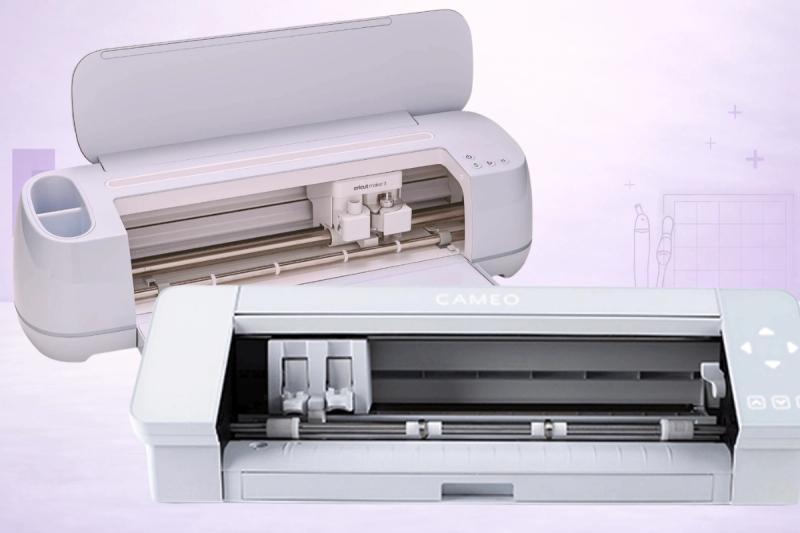
One of the easiest ways to compare the Cameo 4 against the Cricut Maker is by how powerful both machines are.
Let's be upfront about it: both machines are incredibly powerful — much more so than your average desktop cutter — and it's highly unlikely you'd even notice a great deal of difference, unless you were cutting very high volumes of thick materials that require such power.
But, nevertheless, the Cameo 4 does inch ahead of the Maker with 1000 extra grams of downward force than its rival.
The Cameo 4 has 5kg of downward force, while the Maker has 4kg.
Note: If you're using the Maker, you can refer to Cricut's cut pressure chart which is very handy when tackling new materials.
In this round, the advantage undoubtedly goes to the Cameo 4, but it's worth considering: how much power will you actually need? And what materials will you be working with?
1-0 to Cameo
Speed
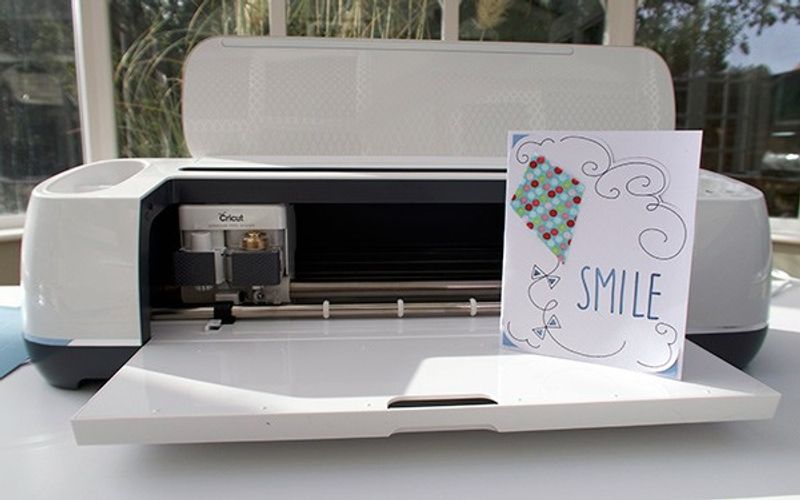
Similarly, both machines are very fast cutters — especially for standard materials like paper, cardstock and vinyl.
The Cameo 4 is advertised as being 3 times as fast as its predecessor, the Cameo 3, while the Cricut Maker benefits from 'Fast Mode' that works at double Cricut's speed for standard materials.
This is one area where the latest Cricut Maker 3 improves on the original Maker: it's twice as fast.
We'd estimate them being about neck and neck for the majority of materials you'll be using — there's certainly not enough of a difference to choose one over the other.
When it comes to more complex and thicker materials like fabric and chipboard, for instance, we'll be conducting speed tests between the two once Silhouette have released the necessary tools.
At the moment, however, we'd award the speed category as a draw between the two machines. A point each.
Cameo 2 – 1 Maker
Versatility
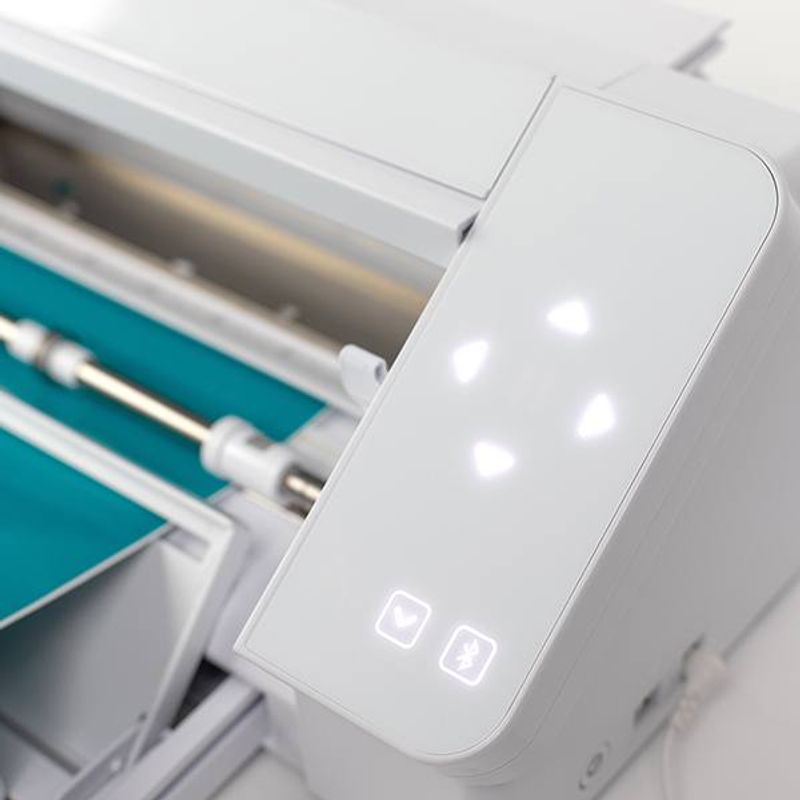
We know that we're not the only crafters to value versatility as one of the most important features of any cutting machine that we're likely to buy.
So, what contributes to versatility? We look out for features like the following:
- Power
- Ability to work with multiple tools
- Ability to work with multiple materials
- A dual carriage that allows for two tasks to be carried out at once (like sketching and cutting, for example)
- Huge library of images, projects and designs
Both machines boast all of these features and can definitely both be described as versatile.
But the Cricut Maker just inches out ahead of the Cameo 4 here.
Probably because it's already been on the market for a couple of years, it's got access to a lot more tools. Not only game changers like the Rotary Blade and Knife Blade, but more specialist stuff like the engraving and debossing tips, wavy and perforation blades, scoring wheel and more.
The Cameo 4, in contrast, has only just been joined by tools like the High Pressure Rotary Blade and High Pressure Kraft Blade.
Aside from the tools, the Maker also benefits from the absolutely massive sewing pattern library that makes it a must-buy for crafters passionate about sewing.
See our guide here: 49 Things To Make With The Cricut Maker
Both Silhouette Studio and Cricut Design Space thankfully have huge image, font and project libraries for you to find practically any design you can think of. Plus, of course, you can create your own designs within both programs.
Point to the Maker — the score currently stands at 2-2.
Software
One of the most important things to consider when choosing between the Cameo 4 and the Cricut Maker is how much you like working within the design software they provide.
We know that more experienced designers choose to use their own, more sophisticated programs — like CorelDraw or Adobe Illustrator, for instance — but the truth is that most people find it easier to stick with the included software.
For the Cameo 4 that's Silhouette Studio.
Silhouette Studio has really improved in the past year or so, thanks to some much-needed updates, so it's now intuitive to use and has plenty of opportunities to really grow your design skills. It can still be buggy, however, which definitely causes some frustration.
Cricut Design Space is probably slightly better set up for beginners and doesn't seem to suffer from the same number of bugs as Silhouette Studio but can be a little limiting for more experienced designers.
It's hard to award one program over the other as it really will come down to personal preference — beginners and lower-level users tend to prefer Cricut Design Space whereas Silhouette Studio has more to offer the more advanced.
Looks like it's another draw… 3-3!
Cutting Space
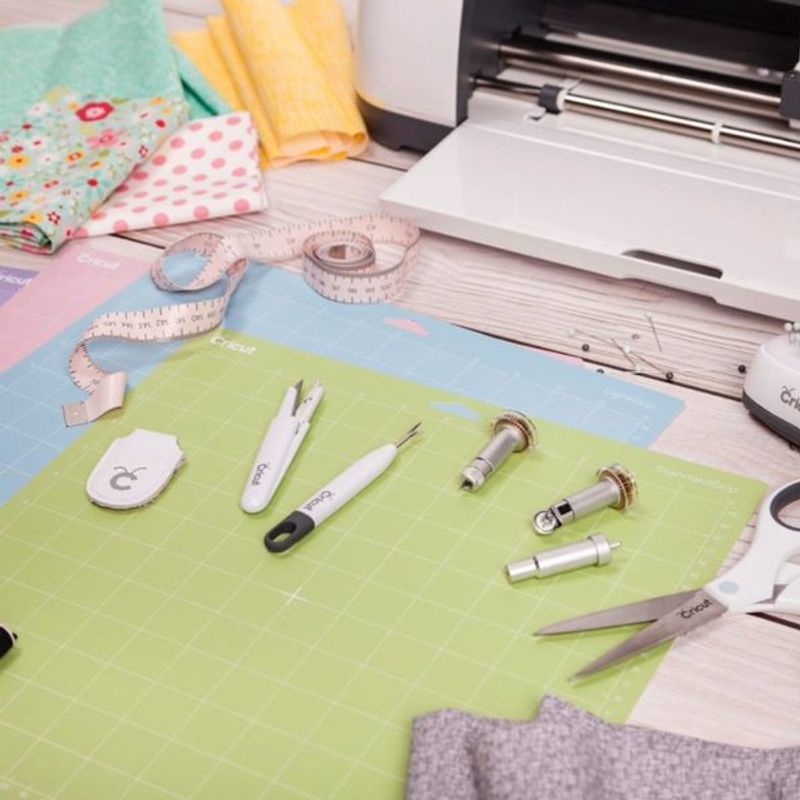
Another feature that's super important to a small section of users is just how much space you have to cut your designs on both machines.
While most crafters were perfectly happy to work within the confines of the 12″ x 24″ cutting space that the original Cricut Maker provided, others would be looking for something a little less restrictive.
Particularly if you're running a craft cutting business or tend to work mostly on larger projects.
The Cameo 4 has traditionally been the answer if that sounds like something you need.
The standard size cuts 12″ wide, but can deal with designs up to a whopping 10 feet long.
And that's not all — 2020 saw the release of the Plus and Pro versions of the machines, which will be able to cut 15″ and 20″ wide respectively.
This category was previously a major win for the Cameo 4… but then along came the Cricut Maker 3.
The flagship feature of the Maker 3 is that it is now compatible with Cricut's Smart Materials, meaning you can work on your projects mat-free up to a length of 12 ft. Game changer.
In addition, the new Cricut Maker has marginally increased the cutting width from 12 inches to 13 inches. Probably as a way of winning direct comparisons like this!
A Silhouette fan might argue that the Pro and Plus models of the Cameo offer a significantly wider cutting width (15 in or 24 in), but that wouldn't be a fair comparison in our opinion. They are more expensive and not considered 'direct competition'.
So, we're rowing back on our original decision. This is now a point to the Cricut Maker.
4-3 to the Maker.
The Look
Of course, aesthetics is lower down the list of priorities when it comes to choosing the best cutting machine, but we thought it may still be worth considering. After all, whichever machine you choose, it's likely to be sitting proudly in the centre of your craft room.
Our preference is for the Cricut Maker — it's sleek, shiny and well contained.
While the original Maker came in a number of colors (including Champagne, Lilac, Mint, Rose, Blue), the Maker 3 comes in just one choice: what we could best describe as muted blue.
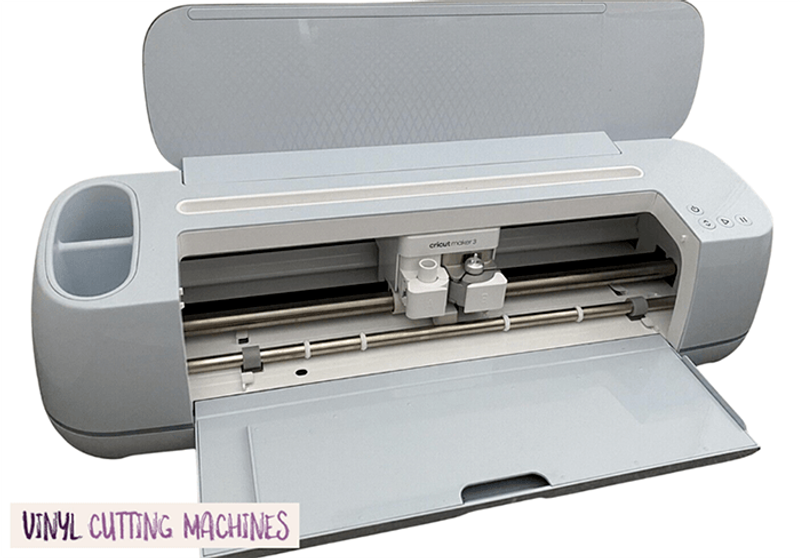
We also like that the Maker has a mobile/iPad docking station within the machine lid. This is a really underrated feature and particularly useful if you're not working with a lot of space.
The Cameo 4 looks a little clunky and industrial in comparison — although it does offer some choice for personalisation.
It's currently available in three colors: white, black or blush pink. Our preference is for the white, but clearly there's a demand for blush pink too!
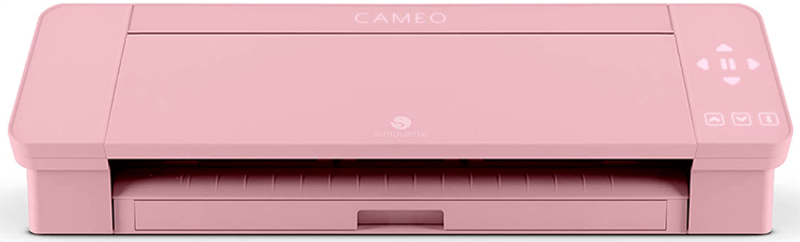
How the machine looks is probably not going to keep you awake late at night, but we do give a slight edge to the Cricut Maker for that extra cosmetic appeal.
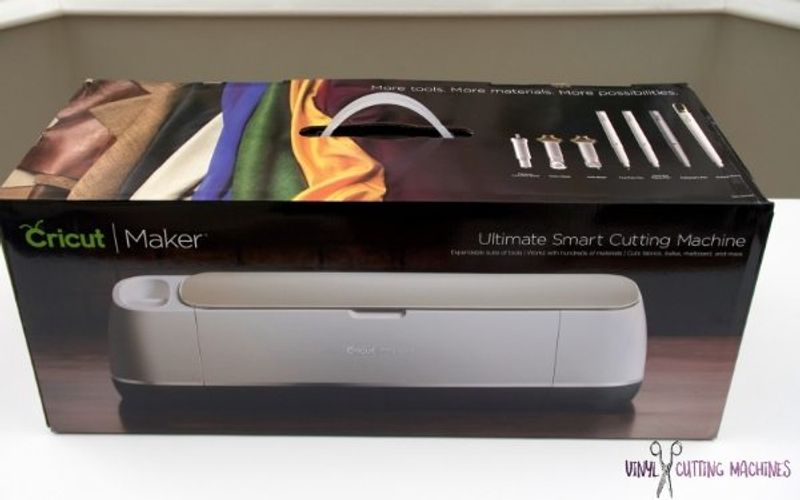
Plus, it's a true unboxing delight:
That's taken the score to 5-3 — a close fought win for the Cricut Maker!
Pros & Cons of Cricut Maker
The Positives
- A truly excellent cutter that can be relied on for accuracy
- New ability to work with Smart Materials means you can take on projects up to 12 feet in length (mat-free!)
- Very easy to use after mastering the small learning curve
- Loads of tools that ensure this machine is super versatile
- Fast and powerful
- A machine for life thanks to the adaptive tool system that ensures it'll stay compatible with all past and future tools
- Wireless cutting capability
- Access to a huge sewing pattern library -- a must buy for sewists!
- Beautiful aesthetics
- Cuts through fabric like butter thanks to the Rotary Blade (which is included)
- Can cut materials up to 2.4mm thick with the Knife Blade (you'll need to buy this separately)
- Cricut Access membership gives you access to a huge number of ready-to-make projects, fonts and other designs
The Negatives
- Not everyone will love Cricut Design Space
- More expensive than the Cameo 4
- Less powerful than the Cameo 4
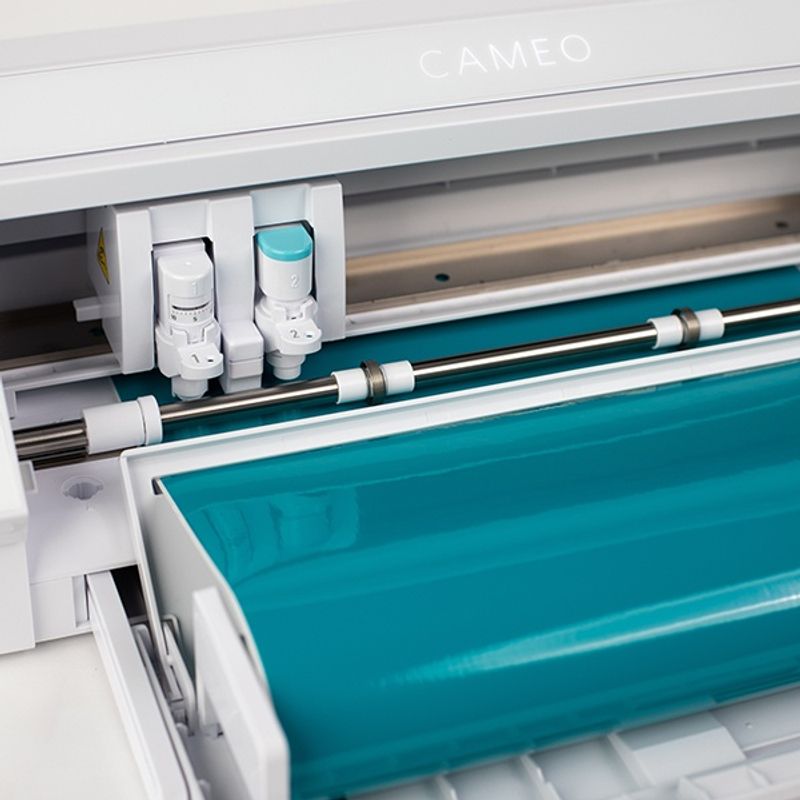
Pros & Cons of Silhouette Cameo 4
The Positives
- An excellent cutter that's both fast and accurate
- Very powerful -- with 1,000 grams of additional downward force over the Maker
- Easy and intuitive to use thanks to features like the Single Tap AutoBlade, Smart Tool System, and the built-in roll feeder
- Much bigger cutting width than the Cricut Maker -- but only if you upgrade to the Pro or Plus options.
- Cheaper than the Cricut Maker
- Promises to be very versatile once the new tools are released
- Allows for matless cutting with some materials
- Comes with access to plenty of designs if you buy from Swing Design
- Bluetooth connectivity for wireless cutting
The Negatives
- Not as good-looking as the Maker
- Not everyone will love Silhouette Studio software
- Dual carriage can be a little inefficient
- We're still waiting on lots of tools so it's hard to judge how well they all stack up (stay tuned!)
Silhouette Cameo 4 vs Cricut Maker: Which Is Best?
It's really hard to choose a winner between the Cameo 4 and the Cricut Maker as truthfully they're both fantastic machines that are really at the top of the market.
We're leaning slightly towards the Cricut Maker at the moment although we reserve the right to change our minds once we've seen the full spectrum of the Cameo 4's capabilities.
As the Maker has been out for several years at this point, we've had a long time to play with it and take advantage of all the Cricut tools that have been released so far.
The release of the newer upgraded Cricut Maker 3 tips the argument in favor of Cricut's machine.
But that's just our opinion, and there is no shortage of Silhouette fans who will beg to differ!
Cameo 4 vs Cricut Maker: which do you think is the best?
Still can't decide which cutter is right for you? Be sure to check out the rest of our detailed machine comparisons, as well as our complete guide to the best vinyl cutters.
Get the best vinyl cutting tips & deals
Join 5,000+ crafters who get our weekly newsletter with expert tips, project ideas, and exclusive deals.